Freelancer Contract & Proposal Kit — India Edition
Digitalaikart Original · Document Template Pack

Freelancer Contract & Proposal Kit

Seven print-ready documents so Indian freelancers get paid, keep the IP, and kill scope creep

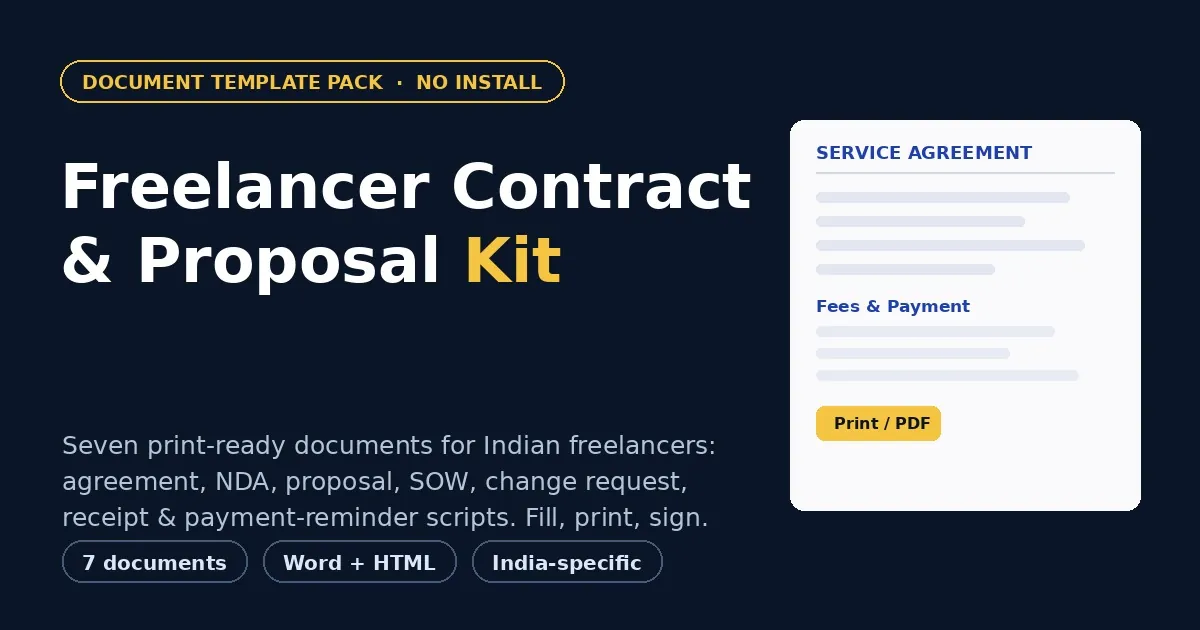
Stop sending work on a handshake. This kit gives you a professional services agreement, a mutual NDA, a proposal, a scope of work, a change request, a payment receipt and four escalating payment-reminder scripts — all drafted for India. Fill them in your browser, print or save as PDF, and sign. The same documents are included as editable Word files for when a client wants to negotiate. No install, no sign-up, no internet needed, and nothing you type ever leaves your device.

7
Documents
2
Formats (HTML + Word)
0
Sign-ups
∞
Client projects
Get the Kit — ₹199 →

Who This Is For

Anyone in India who earns from clients — and anyone who hires them

🧑‍💻

Freelancers

Designers, developers, writers, editors, marketers and consultants who need paper before the work begins.

🎬

Studios & agencies

Small teams onboarding clients, protecting IP, and standardising every engagement on one solid contract.

🎥

Creators & coaches

Photographers, video editors, coaches and tutors who quote, deliver and chase payments every week.

🏪

Small businesses

Anyone engaging vendors or contractors who wants a clear scope, a written change process and clean receipts.

What's Inside

Seven documents that cover the whole client lifecycle

  1. 1 · Freelance Services Agreement

    Your master contract — scope, term, fees with GST and TDS, IP assignment on full payment, confidentiality, independent-contractor status, termination and kill fee, liability cap and arbitration.

  2. 2 · Mutual NDA

    Protect your ideas before you pitch or share work — mutual confidentiality with clear exclusions, a term and survival period, and return-or-destroy obligations.

  3. 3 · Project Proposal

    Win the client: restate the brief, list deliverables, show the timeline and milestones, present the investment table, and close with an acceptance block.

  4. 4 · Scope of Work (SOW)

    Attach it to the agreement as Annexure A. Deliverables, milestone payment schedule, out-of-scope list, assumptions, revision rounds and acceptance criteria.

  5. 5 · Change Request / Work Order

    The single best defence against scope creep — record the change, why it's out of scope, the extra time and cost, and get it signed before you do the work.

  6. 6 · Payment Receipt

    Acknowledge every payment cleanly — amount, mode, UTR, invoice reference, TDS and balance remaining — with a note on when a GST invoice is needed instead.

  7. 7 · Payment Reminder Scripts

    Four escalating email and WhatsApp templates — gentle, firm, hold-on-work and final notice — plus what never to do when chasing an overdue invoice.

Why It's Different

Built for how Indian freelancing actually works

🇮🇳 India-specific, not a US import

Written around the Indian Contract Act 1872, GST, TDS under section 194J, PAN/GSTIN details, lakh and crore formatting, and arbitration under the Arbitration and Conciliation Act, 1996.

✍️ Fill, print, sign — no software

Every document opens in your browser. Click a highlighted field and type; your work saves automatically. Then print to A4 or save as PDF with one button.

📝 Editable Word versions too

The same seven documents are included as .docx files, so you can negotiate wording or let a client mark up the text in Word, Google Docs, Pages or LibreOffice.

💸 Built to protect your money

Advance before work, milestone payments, late-fee interest, IP that transfers only on full payment, and a kill fee if the client walks away mid-project.

How It Works

From download to a signed contract in minutes

1 · Open Start-Here

Unzip the folder and open START-HERE.html. It links to every document and explains the five-minute workflow.

2 · Fill the fields

Open the document you need, click any highlighted field and type over it. Your typing is saved in your browser automatically.

3 · Print or save as PDF

Click Print / Save as PDF, choose A4 and turn on background graphics. The signature block is at the end of every document.

4 · Sign and send

Send the PDF to your client, or print two copies to sign. Log every out-of-scope request in a Change Request before the work starts.

Preview

Clean A4 pages that print exactly as they look

Agreement page

A titled A4 page with numbered clauses, party blocks and a two-column signature area — the layout a client expects to see.

Highlighted fill fields

Every blank is highlighted with the guidance in it, so you always know what to type. Empty fields print as clean blank lines.

Money tables

Deliverables, milestones and the investment table are laid out in rupees, with GST and totals where relevant.

Filled example included

A complete, clearly-labelled fictional example of the services agreement so you can see how a finished document reads.

Mobile-friendly

The editor and preview reflow on a phone, so you can fill in a document on the move.

No watermark, no branding

The printed document carries only your content — no logo and no “made with” line.

File Format & Compatibility

Plain, portable files — no lock-in and nothing to install

Format

One ZIP with seven documents as HTML, the same documents as editable .docx, a filled example, a read-me (Markdown) and a licence (text). Unzips on Windows, macOS, Linux, Android and iOS.

Browsers & apps

Current Chrome, Edge, Firefox, Safari, Brave and Opera; Word 2016+, Google Docs, Pages and LibreOffice for the .docx files. Works fully offline.

Output

A4 PDF through your browser's print dialog, or edit and export from Word. Print or send digitally — your choice.

Get Instant Access

One-time payment · Lifetime access · No subscription · Unlimited client projects

Buy With Confidence

Your purchase is protected

⚡

Instant Delivery

Your download is ready the second your payment succeeds — one ZIP with every document, the Word files, the example, the read-me and the licence.

🔒

Private by Design

The documents run entirely in your browser and never upload your details. Anything you type stays on your own device.

💳

Secure Razorpay Checkout

UPI, cards, net banking & wallets — processed on PCI-DSS compliant infrastructure.

Frequently Asked Questions

Everything you need to know before buying

Is this an ebook or a template pack?

It is a template pack, not an ebook. You receive a ZIP with seven ready documents as HTML files you fill in your browser and print to PDF, plus the same documents as editable Word (.docx) files, a start-here guide, a filled example and a licence.

Are these templates valid in India?

The templates are drafted for India — they refer to the Indian Contract Act 1872, GST, TDS under section 194J, and arbitration under the Arbitration and Conciliation Act 1996, and use Indian conventions like PAN/GSTIN and lakh formatting. They are general-purpose drafting aids, not legal advice. Confirm tax and stamp-duty positions with a chartered accountant or advocate, and have a professional review anything high-value or complex.

Do I need Word, or any software?

No. Open the HTML files in any browser (Chrome, Edge, Firefox or Safari), type into the highlighted fields, and print or save as PDF. If you or your client prefer Word, the same documents are included as .docx files for Microsoft Word, Google Docs, Pages or LibreOffice.

Does it work offline? Is my data uploaded?

Yes, it works fully offline after download. Nothing is uploaded anywhere — what you type is saved only in your own browser so you can close the file and come back to it.

Can I use these for my clients?

Yes. The licence lets you use the templates for your own business and for unlimited paying client projects, and modify them for each engagement. You may not resell or redistribute the template files themselves.

Will this guarantee I get paid?

No template can guarantee payment. What a clear agreement does is set expectations — scope, milestones, late fees and IP transfer only on payment — and give you a written record if a dispute arises. That, plus the reminder scripts, is what turns most late payments around.

Is it a subscription?

No. It is a one-time purchase with lifetime access, and no limit on how many client projects you use it for.

How do I get my files after payment?

After a successful payment on Razorpay you are taken to a thank-you page with a download button. Click it to get your ZIP instantly — it is yours forever.

Can I get a refund?

Digital products are non-refundable because they are instantly downloadable. But if you receive a defective or corrupted file, or were charged incorrectly, we will replace or resolve it — just email lonefaisal977@gmail.com within 7 days.
Pairs Well With

Once your contracts are in place, these Digitalaikart products go hand in hand

Freelancer Finance OS — India

Track invoices, TDS, GST and your tax set-aside in one spreadsheet, right alongside your new agreements.

GST Invoice Generator Pro

Raise clean tax invoices and quotations offline, then acknowledge each payment with the receipt in this kit.

Small Business Website Kit

Five ready HTML website templates to look professional the moment a client lands on your site.

Browse all Digitalaikart products →

Ready to Put It in Writing?

One-time ₹199 · 7 documents · HTML + Word · India-specific · Instant download.

Get the Kit →

Get new tools & guides first

One short email whenever we publish something useful — new India-specific playbooks, tools and guides. No spam, unsubscribe anytime.